


Language Switcher
The language switching features also work when you switch the keyboard layout.
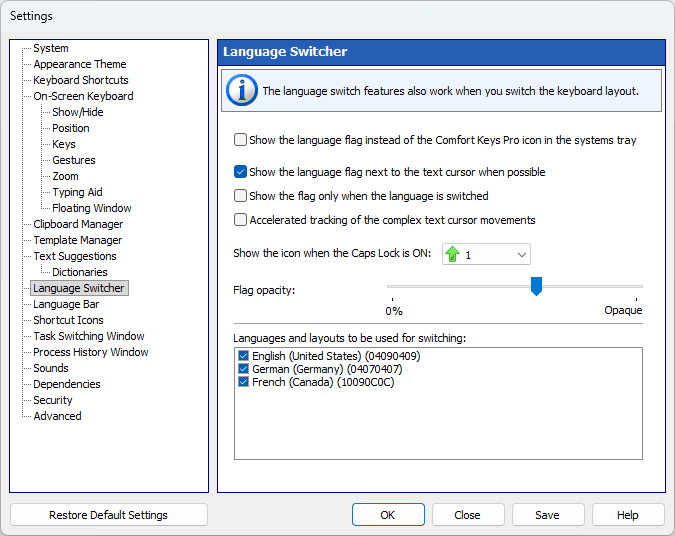
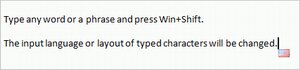
Show the language flag next to the text cursor when possible
You can make the language flag appear automatically when you tap the screen location where you want to insert text. However, some applications draw the text cursor in their own way and do not provide information about its position. (These are Firefox, Google Chrome, OpenOffice, CorelDRAW, etc.) In this case, the language flag will not be shown.
Show the flag only when the language is switched
Check this checkbox if the language flag constantly displayed next to the text cursor annoys you.
Accelerated tracking of the complex text cursor movements
Check this checkbox to reduce the flag movement delay.
Note: Checking this checkbox may slow down Comfort Keys Suite.
Show the icon when Caps Lock is ON
You can automatically display a specified icon near the text cursor when Caps Lock is on.
Flag transparency
You can adjust the transparency of the flag shown next to the text cursor.
Languages and layouts to be used for switching
The list of languages you can switch between (see also Controlling the input language section).