


Dependencies
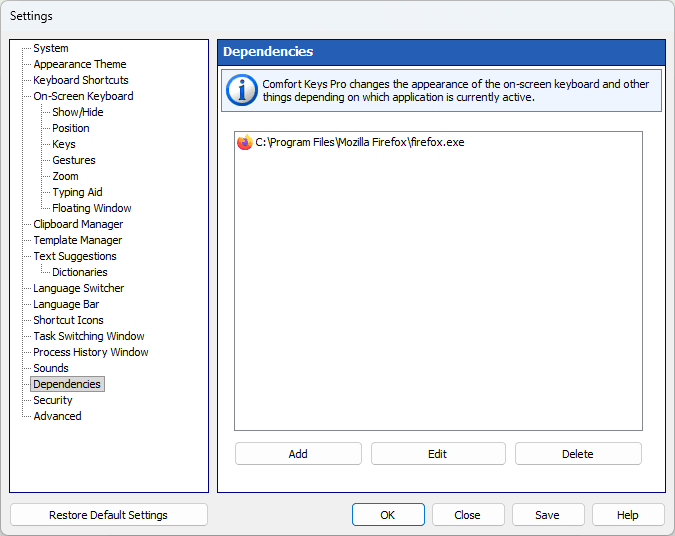
Comfort Keys Suite changes the appearance of the on-screen keyboard and other things depending on which application is currently active.
How it works
If you switch to a particular application, Comfort Keys Suite will change the specified settings.
When you switch back to the previous application, Comfort Keys Suite will restore the original settings.
Each setting in the list changes depending on the selected mode:
 - Don’t change the setting (use the setting defined in the Settings window)
 - Turn off the setting
 - Turn on the setting
One of the settings in the list is “On-Screen Keyboard: Transparency 50%”: while the selected program is in front, the on-screen keyboard becomes 50% transparent, and your usual transparency comes back as soon as you switch to another program.
In addition to the settings in the list, you can change the look of the on-screen keyboard and the set of hotkeys for a selected application.